
In about 1.5–2 months you move from basic tools and workspace to full photo editing, retouching and creative compositions, designing images ready for print, web and social media.
Photoshop is widely used where high‑quality images and professional visuals matter—such as photography studios, advertising agencies, social media marketing, e‑commerce and film/post‑production. At Global Key Technologies, near Nirman Vihar Metro, our Photoshop course is designed for students, photographers, content creators, graphic designers and business owners who want to create polished visuals on their own.
We focus on step‑by‑step tool learning + design sense, so you understand how layers, masks, retouching and effects work together to produce clean, attractive results.

To become a strong visual designer or editor, you must understand image fundamentals, selections, layers, masks, color and retouching workflows. Our Photoshop program helps you:
This foundation is extremely useful for photography, social media marketing, e‑commerce catalogs, digital art, branding and freelance design work.
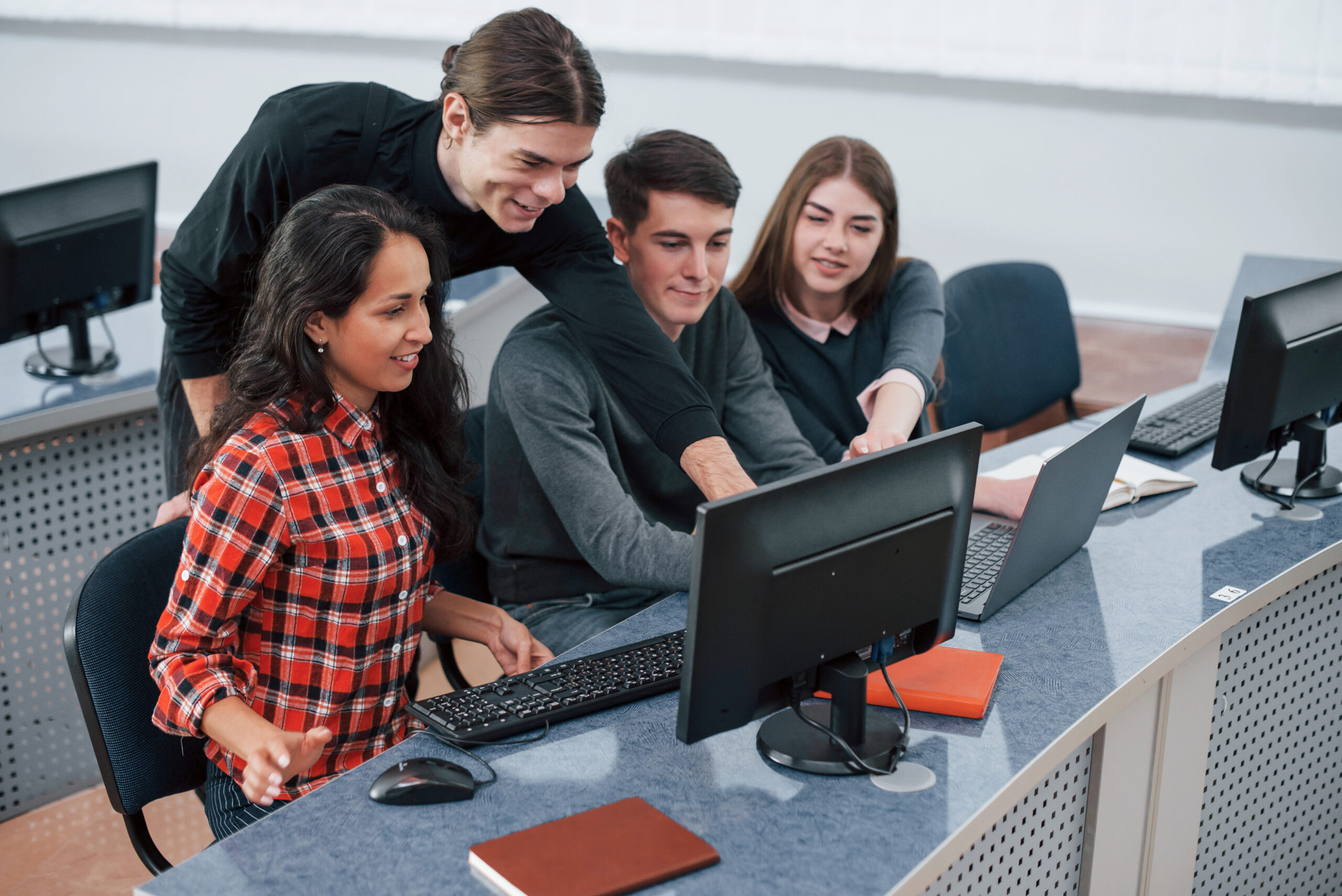
we start from workspace and image basics, then move into advanced retouching and compositing.
Regular lab practice on real photos and design briefs, not only theory.
Coverage aligned with what studios, agencies and online clients expect from a Photoshop designer.
morning, evening and weekend batches with online + offline options
options for East Delhi families
Raster vs vector, Photoshop interface, panels, tools, navigation, workspaces, undo/history.
Resolution, size, cropping, straightening, basic corrections (brightness, contrast, levels, curves).
Marquee, lasso, quick selection, AI‑assisted selections, refine edge, layer masks vs erasing.
Working with multiple layers, blending modes, opacity, groups, non‑destructive workflows.
Spot healing, clone stamp, patch, frequency‑style retouch basics, skin cleanup, blemish removal, background cleanup.
Adjustment layers, color balance, hue/saturation, selective color, photo filters, creative color looks.
Adding and styling text, basic typography, shapes, layer styles (glow, shadow, stroke) for titles and ads.
Canvas sizes for Instagram/Facebook, web banners, thumbnails, exporting optimized images (RGB, file formats).
Editing portrait and product photos, creating posters, social media posts, YouTube thumbnails and ad banners for your portfolio.
By the end of the Photoshop course you will:
Understand and apply professional photo editing and retouching workflows with layers and masks.
Use Photoshop tools, adjustments and typography to design attractive social media posts, banners, posters and marketing assets.
Be better prepared for freelance editing/design work, studio jobs, social media content creation and brand visuals.
Build a small portfolio of edited images and designs you can show to clients or employers.
Photographers and videographers who want full control over their images and thumbnails.
Students and design aspirants aiming for careers in graphic design, digital marketing or media.
Content creators, YouTubers and influencers who want better visuals for their channels and social feeds.
Small business owners and marketers who want in house capability to design ads, posts and banners.
who want to understand technology better
Global Key Technologies is at Office No‑304, Plot‑8, Chhabra Complex, Madhuban Road, Near Nirman Vihar Metro, Veer Savarkar Block, Shakarpur.

Fill the form and our team will contact you shortly.
If you want to turn ordinary photos and ideas into professional‑looking visuals for brands, social media and print, Photoshop is an essential skill to learn in 2026.
Call/WhatsApp +91‑99991 06899, visit our Nirman Vihar campus, or fill the enquiry form on the BCA page to know about admissions, fees, EMI options and batch timings.

Data Analytics

Data science and ML

Advance Excel

BCA
Your enquiry for "Course" has been submitted successfully.
Our expert will contact you shortly.
🚀 Need instant help?
Chat with us now on WhatsApp and get quick assistance from our team.
📞 Call / WhatsApp: +91 9999106899